
Three steps. No code changes.
-
Start the proxy
The daemon forwards traffic to your backend and captures it on the way through.
DATABASE_URL="postgres://user:pass@localhost:5432/db?sslmode=disable" \ sql-tapd --driver=postgres --listen=:5433 --upstream=localhost:5432 -
Point your app at it
Change the port and nothing else. sql-tapd speaks the native wire protocol, so your driver doesn't notice.
DATABASE_URL="postgres://user:pass@localhost:5433/db?sslmode=disable" -
Watch the traffic
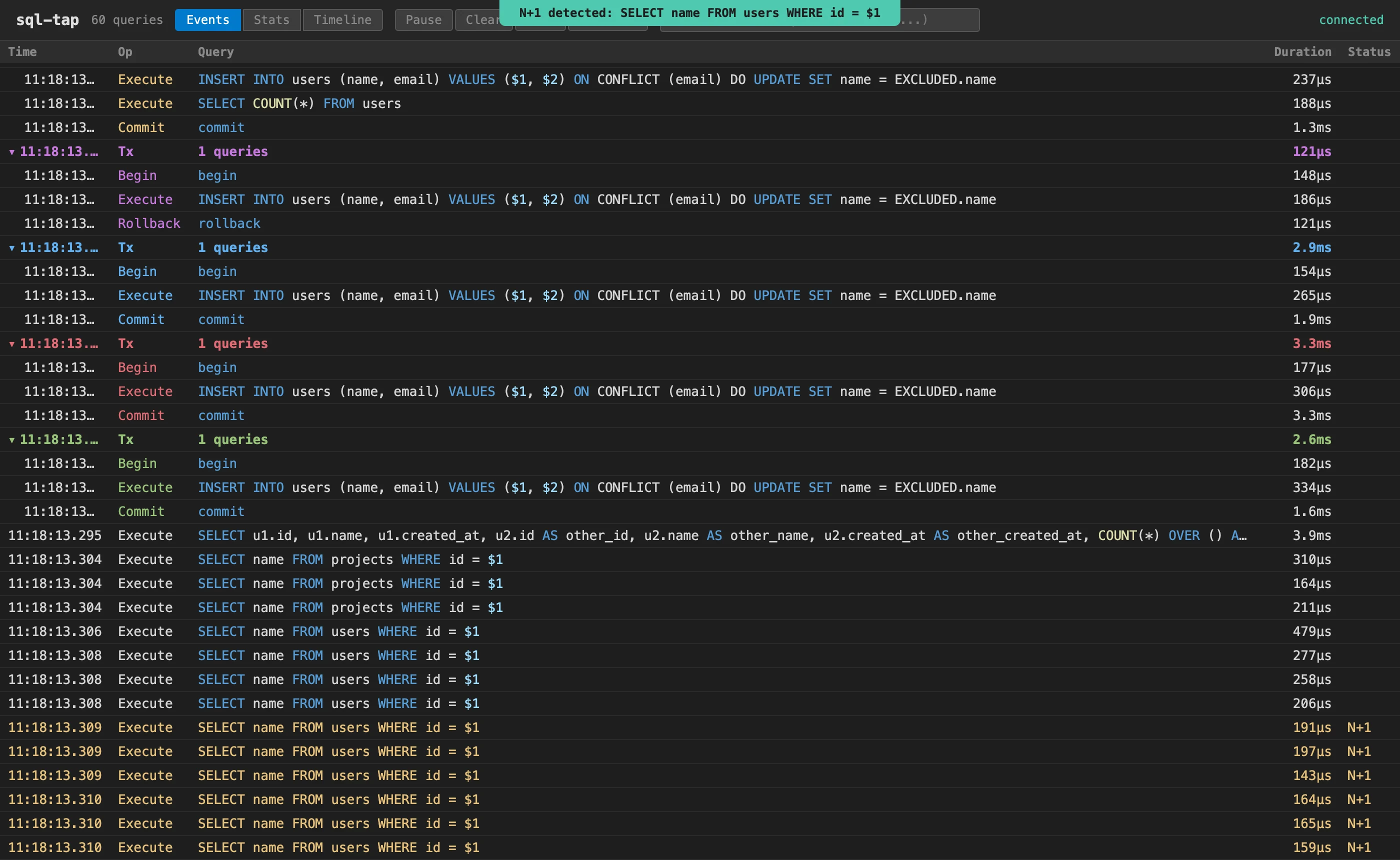
Add --http=:8080 to the daemon to get the Web UI in your browser too.
sql-tap localhost:9091
sql-tap
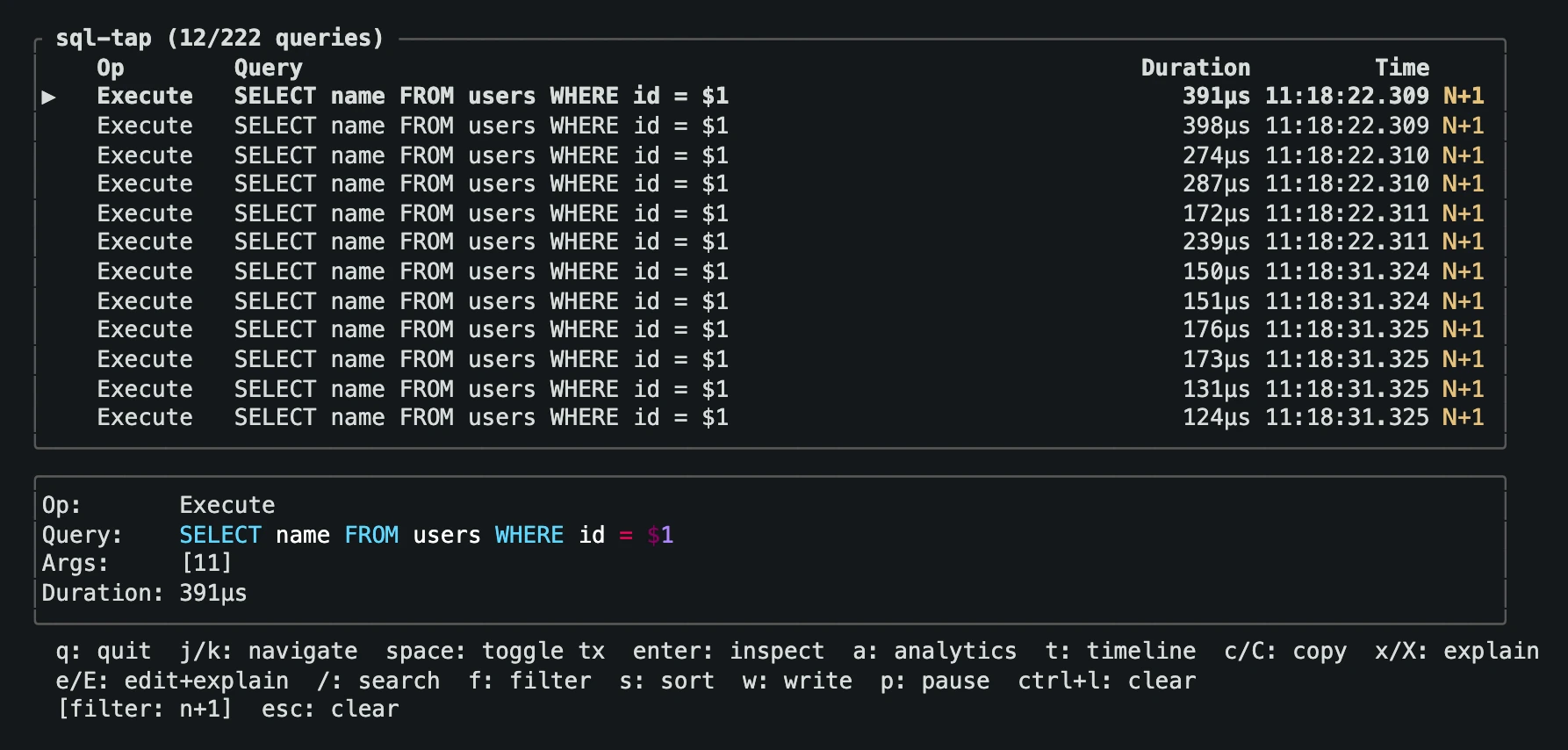
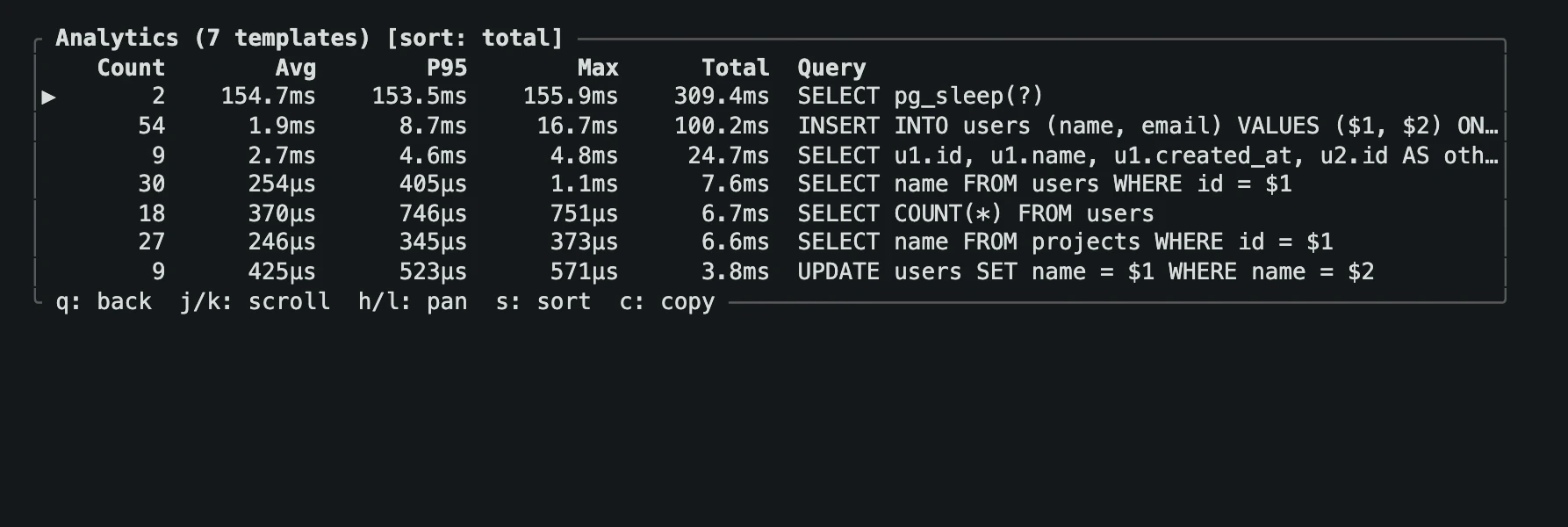
For PostgreSQL, MySQL, and TiDB. It reads the database wire protocol, so you see what actually reached the database, whatever your ORM generated.
- Inspect each query with its bound arguments, rows affected, and transaction
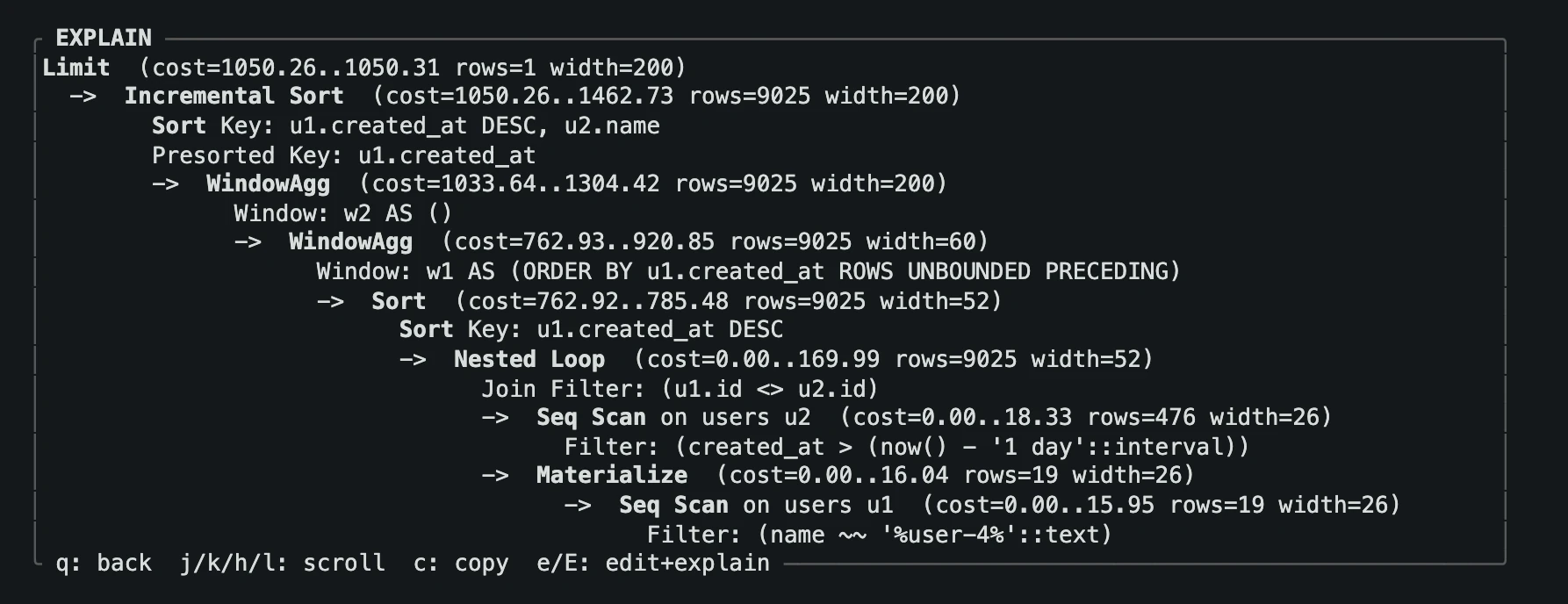
- Run EXPLAIN or EXPLAIN ANALYZE from the list, and edit the query first to try a fix
- Flag N+1 and slow queries as they happen
- Filter with
d>100ms,op:select,error, orn+1
Fail the build on N+1 and slow queries
Run your tests through the proxy with sql-tap -ci watching. It prints a report when it stops and exits 1 if it found problems.
sql-tap CI Report
=================
Captured: 307 queries

Problems found:
  [N+1]  SELECT name FROM users WHERE id = $1  (detected 18 times)
  [N+1]  SELECT name FROM projects WHERE id = $1  (detected 12 times)
  [SLOW] SELECT pg_sleep(?)  (avg 153ms, 2 occurrences)

Exit: 1 (3 problems found)
http-tap
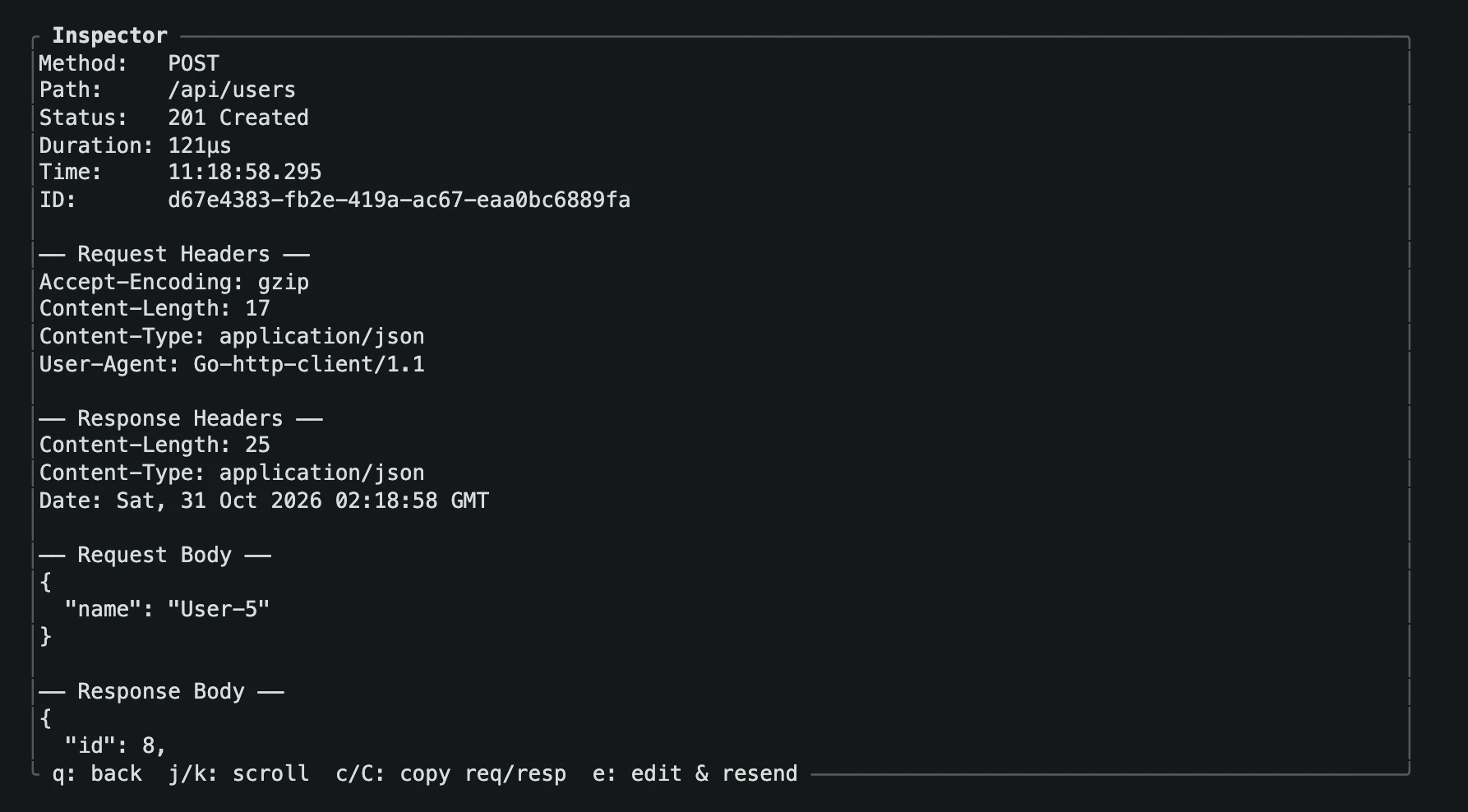
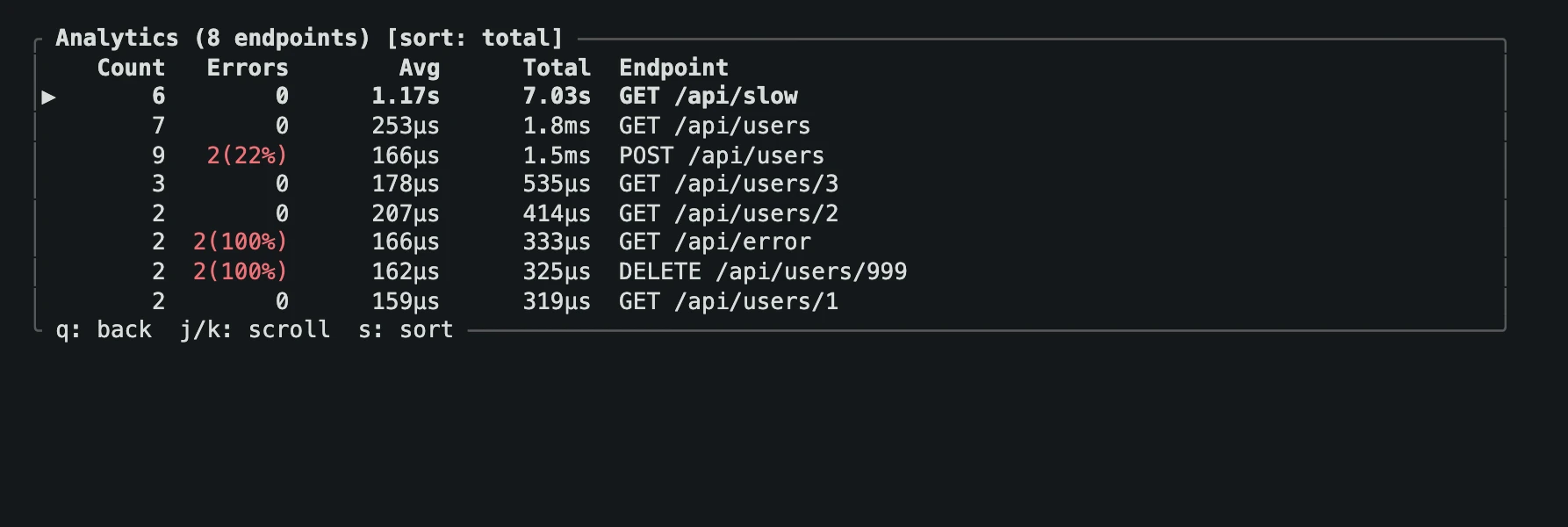
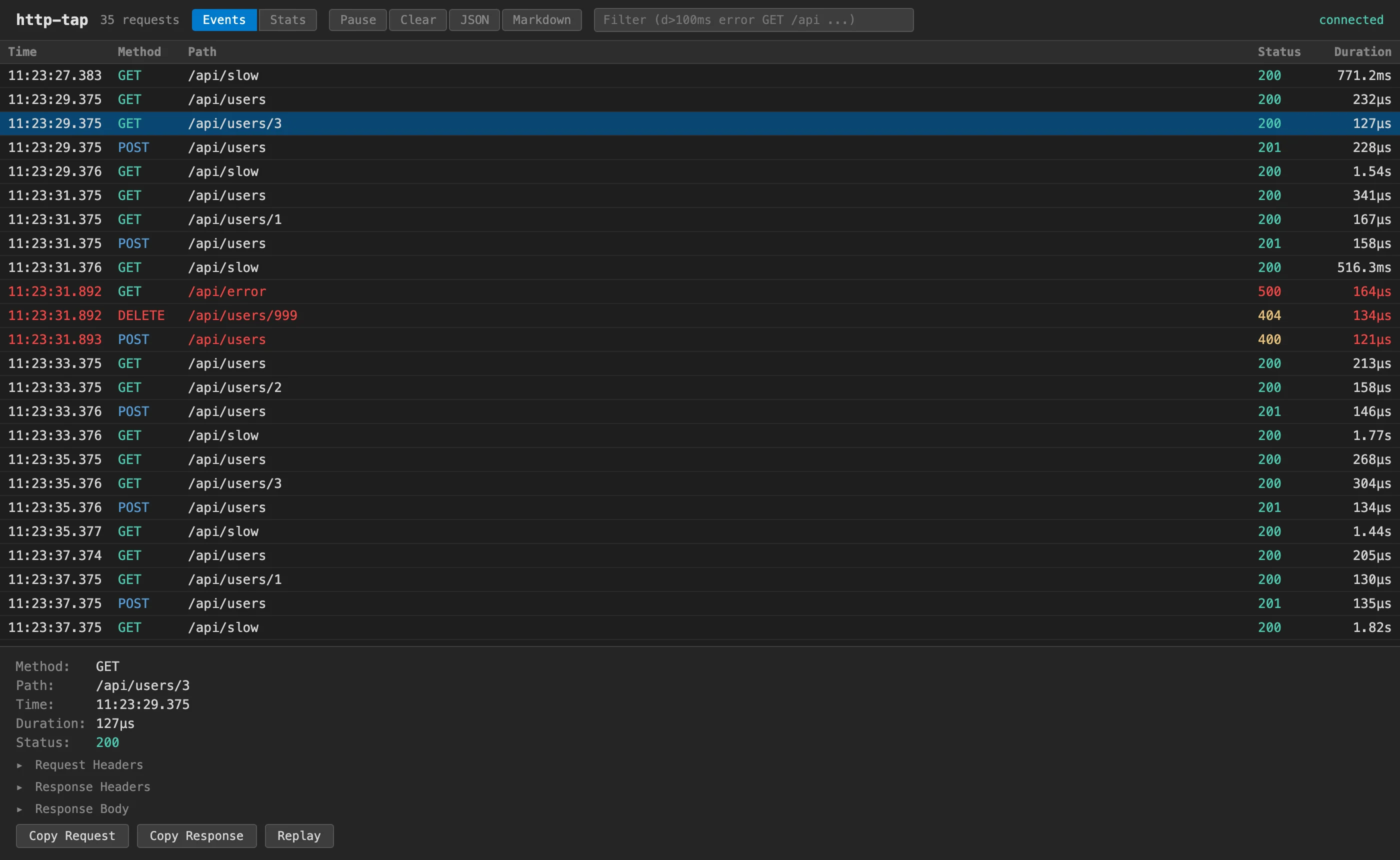
For anything that speaks HTTP. A reverse proxy in front of your server that records headers, bodies, status codes, and timing for every request.
- Read request and response bodies, up to 64 KB each
- Edit a captured request in
$EDITORand send it again, or replay it from the browser - Compare endpoints by count, errors, and time
- Export captures as JSON or Markdown
- Proxy HTTPS upstreams, including self-signed ones
grpc-tap
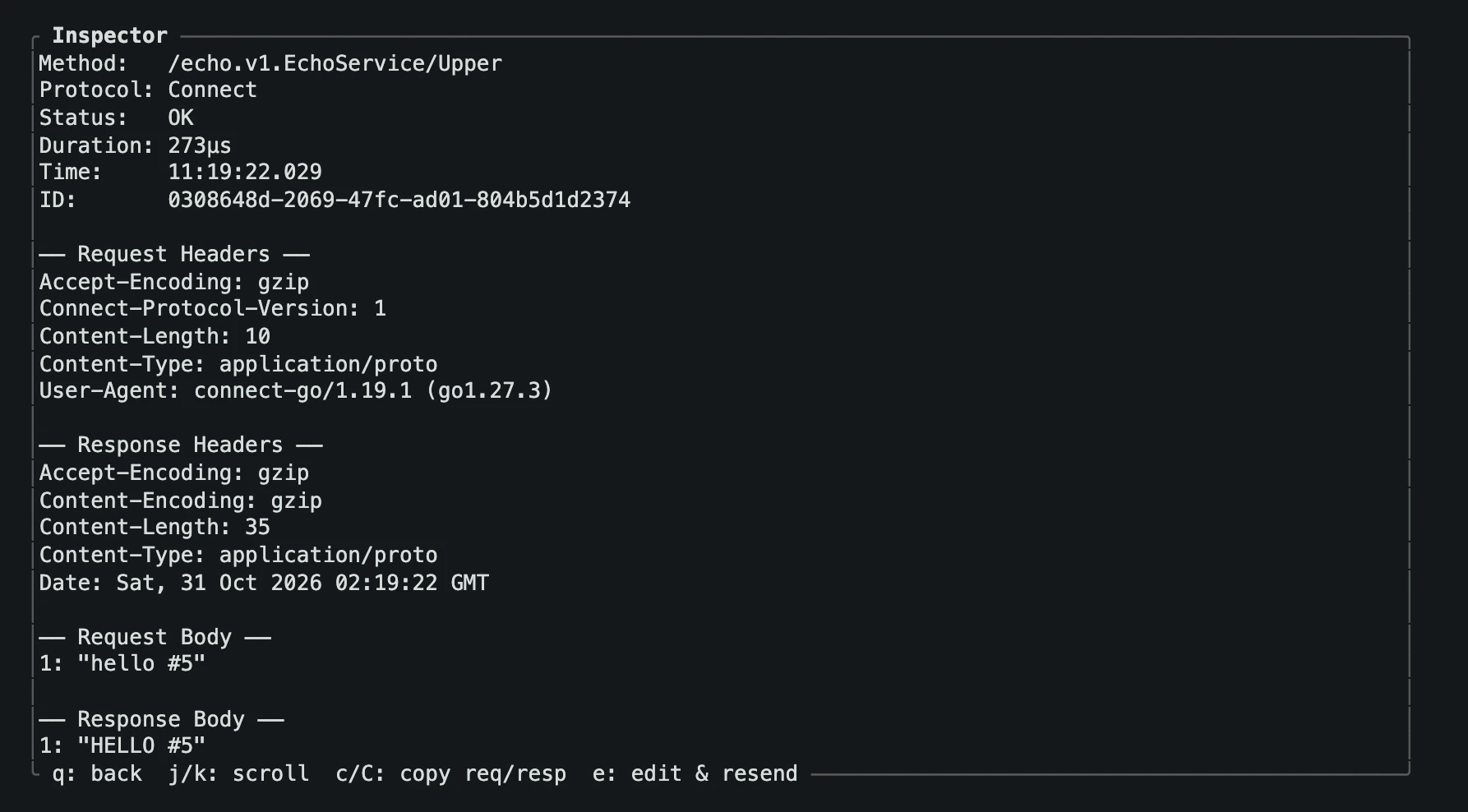
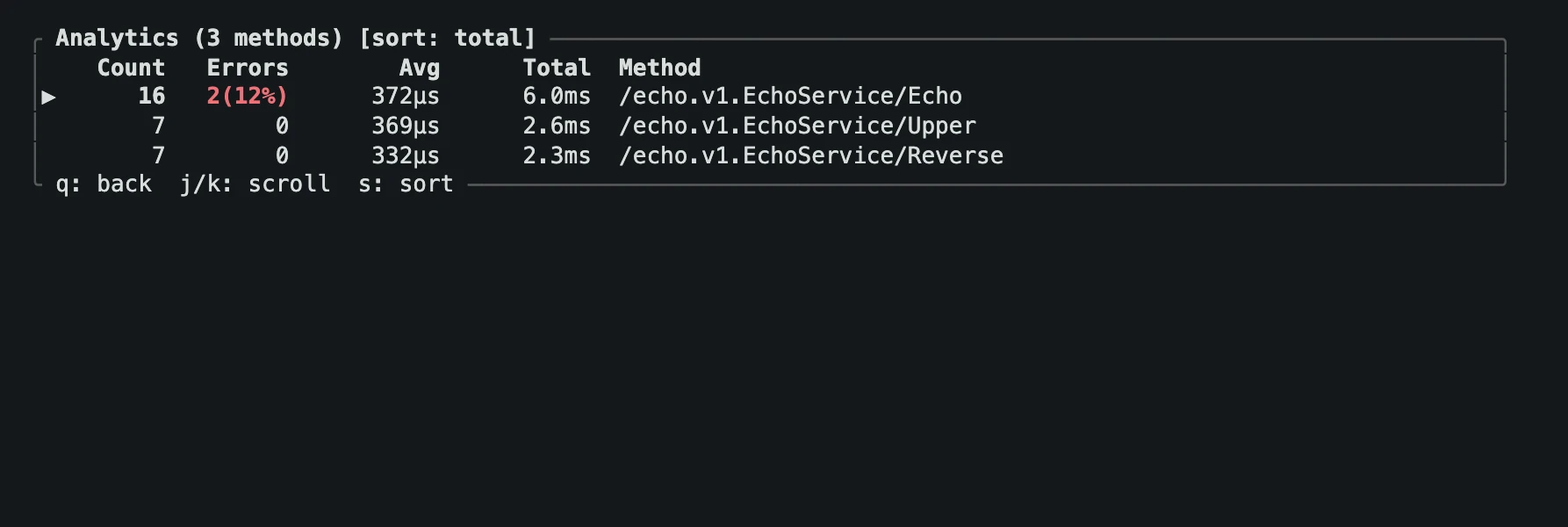
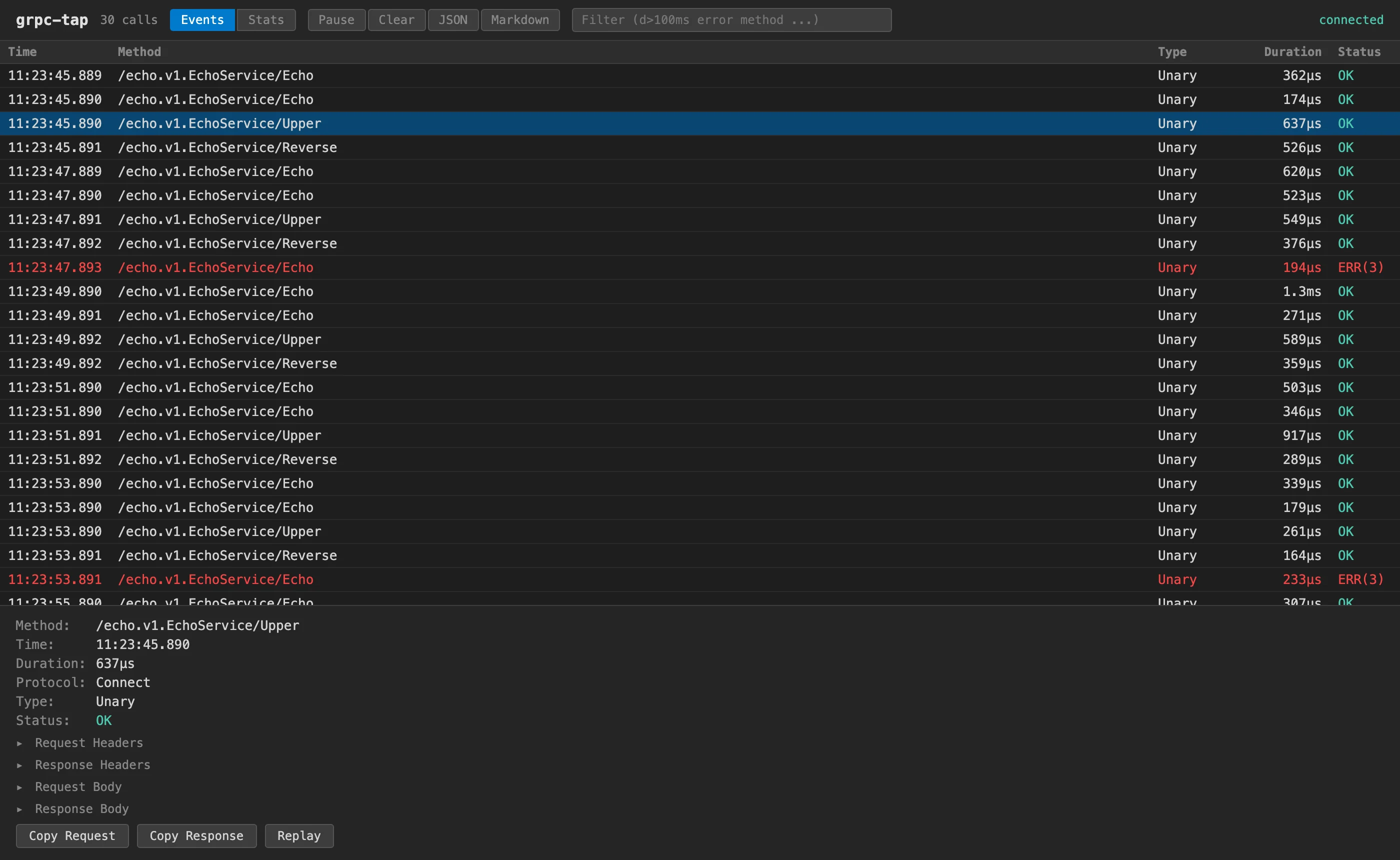
For gRPC, gRPC-Web, and Connect. An HTTP/2 reverse proxy that records headers, bodies, status codes, and timing for every call.
- Capture all three protocols through one port
- Read message bodies without your
.protofiles, by field number - Edit a request body as JSON and resend it
- Compare methods by count, errors, and time
- Export captures as JSON or Markdown
Install
Each cask installs the client and its proxy daemon.
| Tool | Captures | Clients | Homebrew |
|---|---|---|---|
| sql-tap | PostgreSQL, MySQL, TiDB | Terminal, browser | brew install --cask proto-tap/tap/sql-tap |
| http-tap | HTTP, HTTPS upstreams | Terminal, browser | brew install --cask proto-tap/tap/http-tap |
| grpc-tap | gRPC, gRPC-Web, Connect | Terminal, browser | brew install --cask proto-tap/tap/grpc-tap |
With Go, install both binaries. This example is for sql-tap; swap in the tool you want.
go install github.com/proto-tap/sql-tap@latest
go install github.com/proto-tap/sql-tap/cmd/sql-tapd@latest